

Don't just imagine it.
See it on you.
Preview how clothes may look on you with TryndWear's AI-powered virtual try-on. Explore outfits through our virtual trial room, or integrate virtual try-on technology into your fashion store with our business solutions.
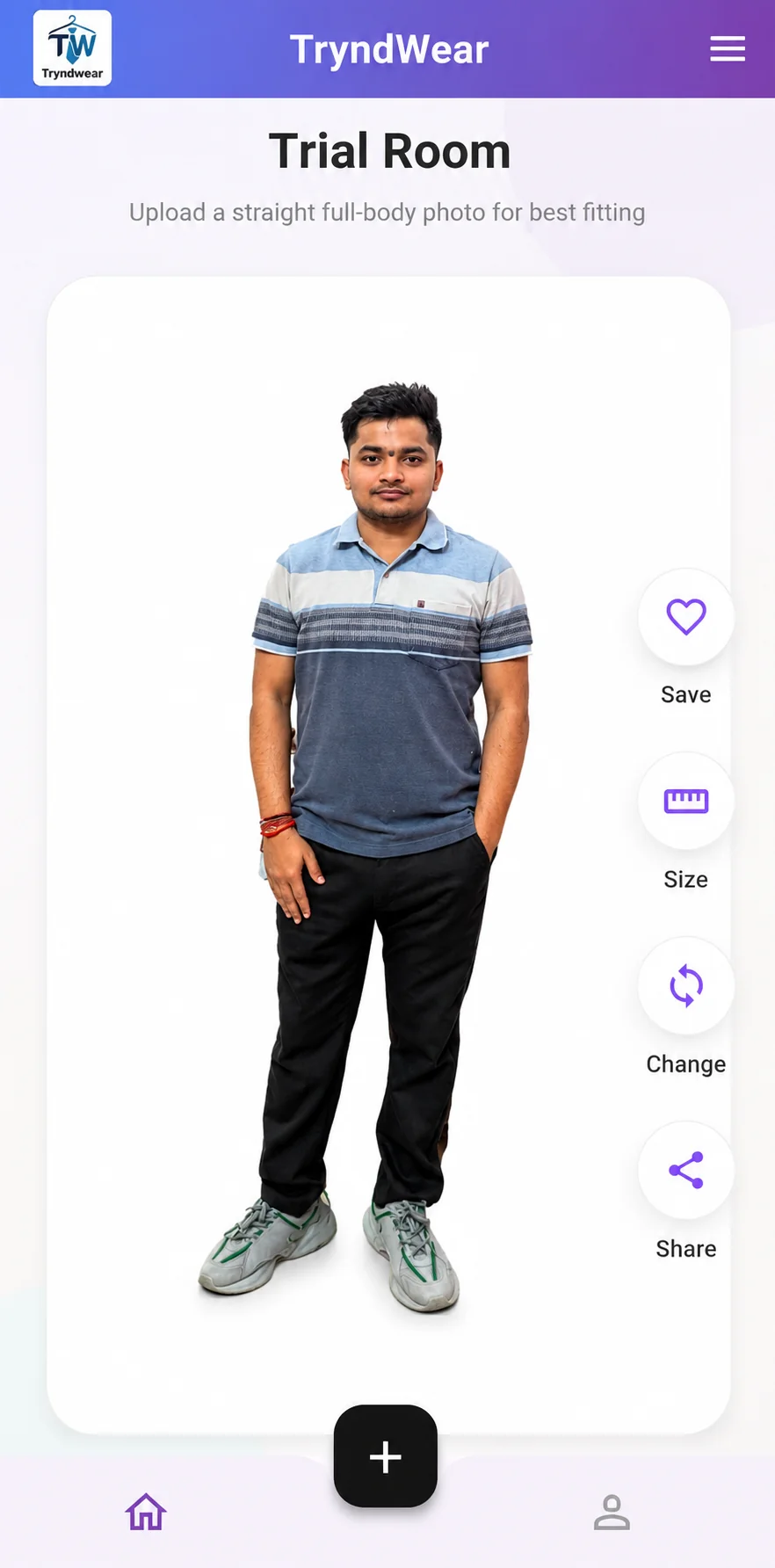
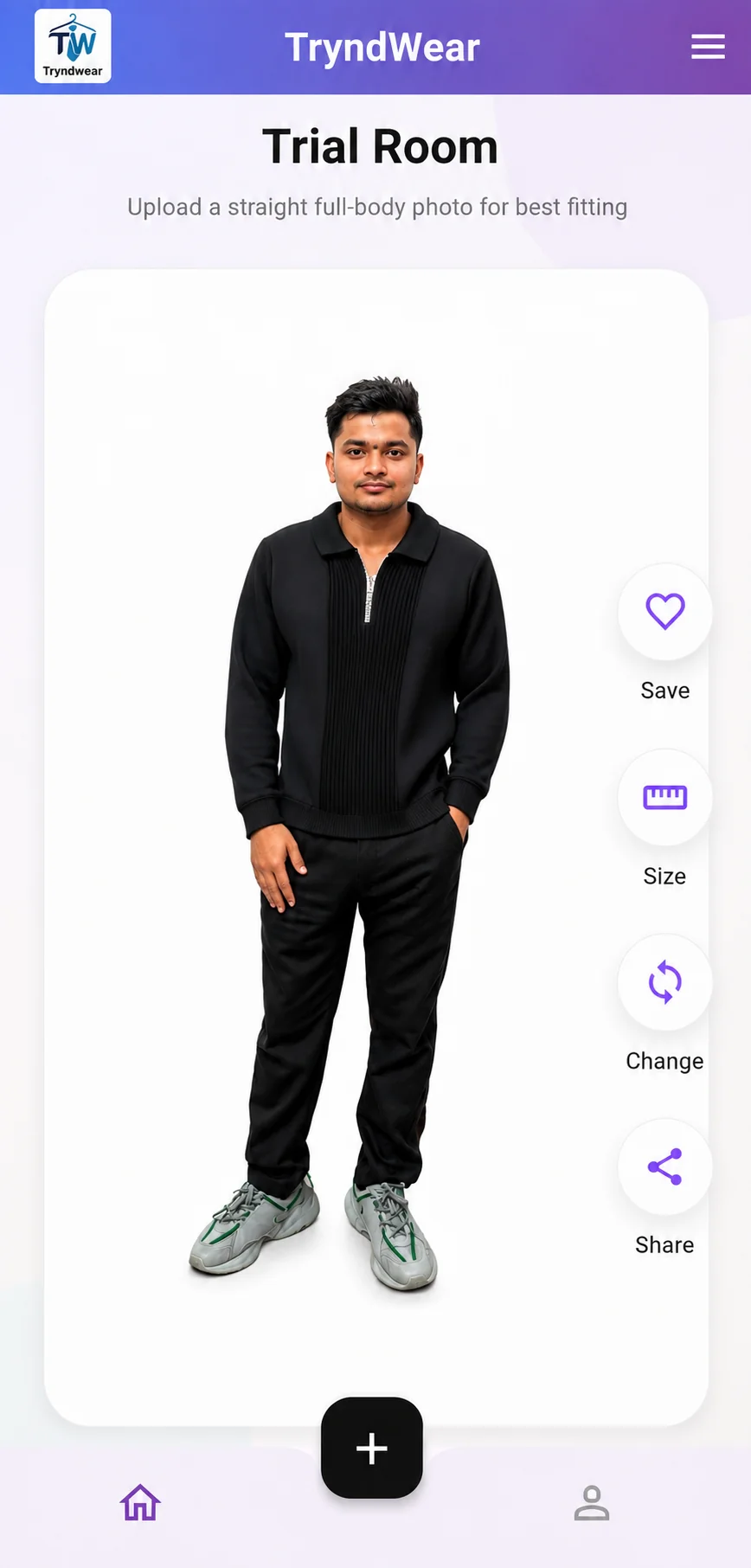
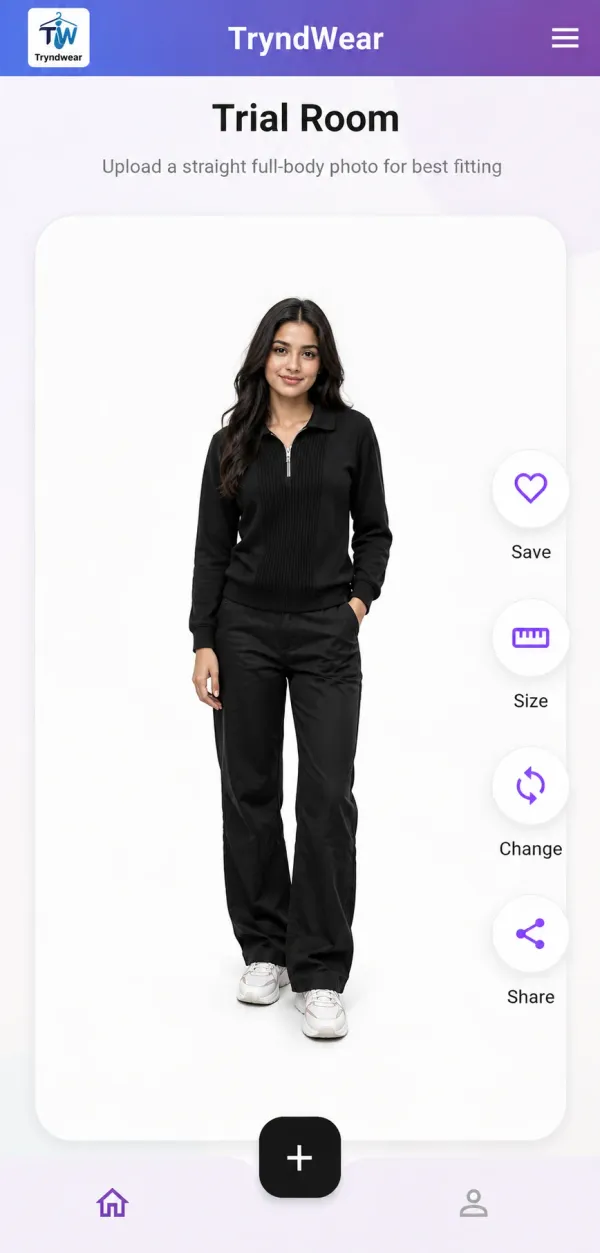
How AI virtual try-on works
Two photos, one result: a picture of you, and a picture of the clothes you like.
Try clothes from any shop before you buy
Saw something you like in a mall, or in a shopping app? Snap a photo or take a screenshot, upload it with your picture, and see how it looks on you before you spend.
- Try clothes from any shop, app or website
- Save and share your favourite looks
- Check size and fit with more confidence
import { TryndWearWidget } from 'tryndwear-react';

const ProductPage = () => {
  return (
    <TryndWearWidget
      productId="tw-8921"
      theme="light"
    />
  );
};
Works with the store you already have
- Shopify
- WooCommerce
- Wix
- Magento
- React
- Next.js
- Custom sites
- Mobile apps
AI virtual try-on for fashion brands and online stores
Let shoppers see your clothes on themselves, right on your product page. Start with a simple link, or embed the try-on widget with a few lines of code. No need to rebuild your store.
- Redirect link: live today, no developer needed
- Embedded widget that opens on your product page
- Developer API for custom stores and apps
Frequently asked questions
Running a store? Plan and billing questions are answered on the pricing page.
What is AI virtual try-on?
AI virtual try-on lets you see how clothes could look on you without wearing them. You upload a photo of yourself and a photo of the clothes, and the Tryndwear shows an image of you wearing them.
How does TryndWear virtual try-on work?
Upload a straight, full-body photo of yourself, then upload a photo of the clothes you want to try. That can be a picture you took in a shop or a screenshot from any shopping app or website. TryndWear then shows you wearing them.
Can I try on clothes from any shop or website?
Yes. Take a photo of clothes you like in a shop or mall, or take a screenshot of a product in any shopping app or website, and upload it. You are not limited to one store's catalogue.
What kind of photos work best?
For your own photo, stand straight and show your full body in good light. For the clothes, use a clear photo or screenshot where the whole garment is visible.
Where can I use TryndWear?
Use the Trial Room in any web browser, or download the TryndWear app for Android from Google Play.
Can I add virtual try-on to my online clothing store?
Yes. Fashion brands can add TryndWear to any website or app with a redirect link, an embedded widget or the API. See business plans.
What happens to the photos I upload?
Our Privacy Policy explains how your photos are processed, stored and protected. Read the Privacy Policy.
See it on you
Open the Trial Room in your browser or get the Android app.